

Claude Chat vs Cowork: Which One Should You Use?
Heads up
What these are
Let me explain the words first, so the rest of the post can use them freely.
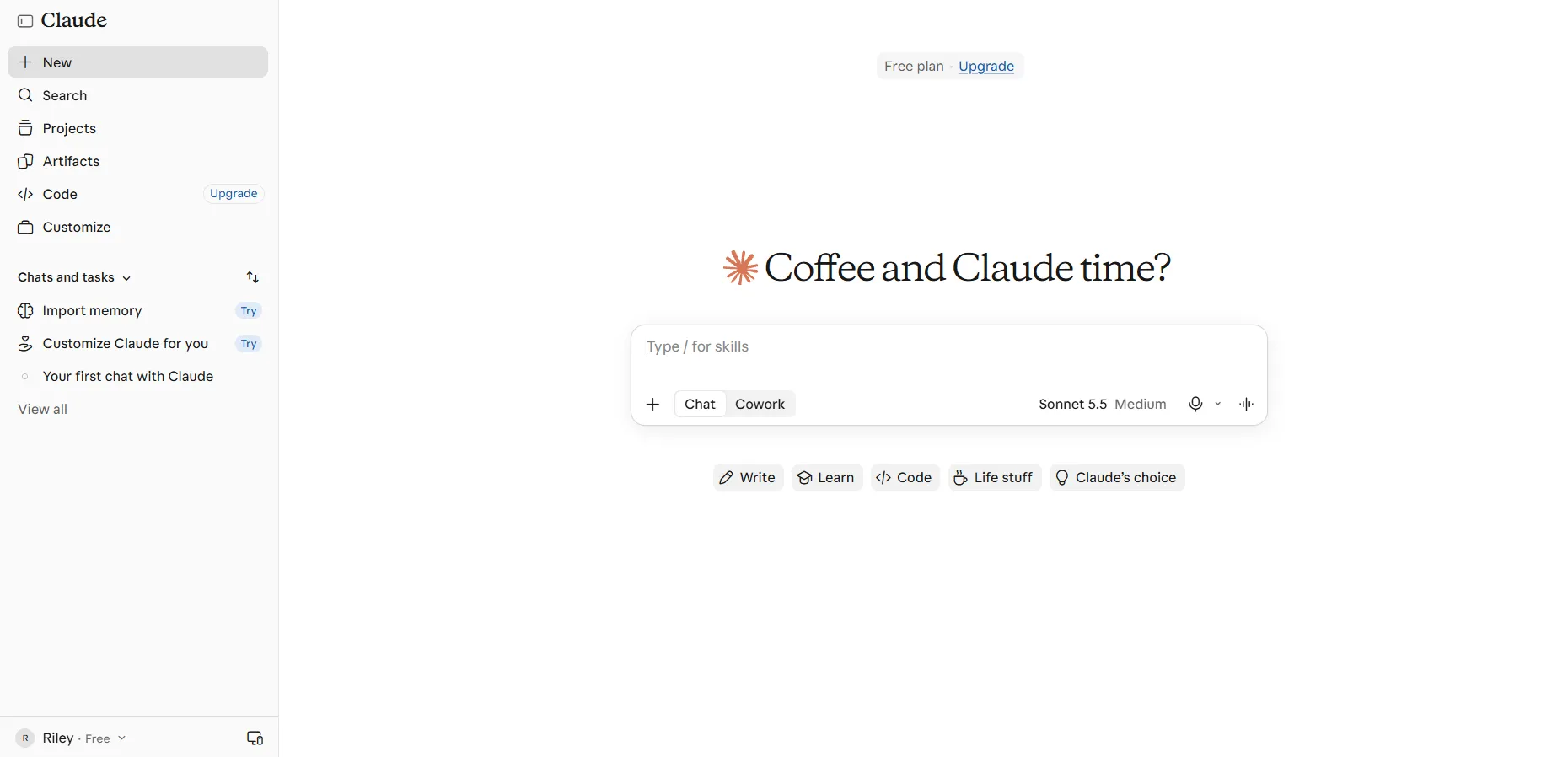
Chat. The normal back and forth. You type, Claude answers. Sort of like texting a smart friend across the table. You can use it in your web browser at claude.ai, or in the desktop app (a program you install on your computer).
Cowork. You give Claude a goal and some files, it works through several steps, and it hands back finished work. It exists because some jobs are too big for one reply. Sort of like handing a helper a folder and a to-do list, then coming back later. Cowork works in the desktop app and in your browser. To give it your own folders, you need the desktop app open.
Claude Code. A third tool, made for building software. If you’re not building an app or a website, you can skip it. There’s a short note on it further down. It’s usually used in a terminal, which is a text window where you type commands instead of clicking. If that sounds confusing, or you’ve never coded before, use the desktop app instead. You don’t need a terminal there.
Start here: Chat
If the job fits in a few back and forths, like a caption, an email or a “help me think this through,” Chat is enough. It’s also the only one of the two on the Free plan.
Why start here? Because it costs nothing, and you learn how Claude answers before you hand it any files. If you can finish the job in one sitting by copying and pasting, you probably don’t need Cowork. You don’t have to use any of this. Chat does plenty on its own.
When Cowork is worth trying
Try Cowork when the job is about a pile of files, not a single question. “Read these twelve receipts and fill in my tax sheet.” “Turn this folder of meeting notes into one summary.” Cowork is made for office-style work like research, summaries, spreadsheets, decks and emails.
It uses your plan’s allowance faster than Chat does, because it does many steps for one job. That’s another reason to start in Chat.
What about Claude Code?
Claude Code is made for people building software, like a website or an app.
Vibe coding (describing what you want to an AI and letting it build it) is a big thing right now. If it interests you, I think you should explore it. It’s very fun and fulfilling. I plan to write more about it.
I use both Cowork and Claude Code. I use Claude Code more… but Cowork is the easier one for beginners. I knew nothing about coding when I started. I learned mostly by trial and error.
Before you give it your files
Each point below comes with its reason.
That’s my rule. One folder limits what it can touch, and a copy means a mistake costs you nothing.
Copy first, then connect.
- Share only what it needs. Cowork can only see the folders you give it, so the safest one is a copy with nothing private in it.
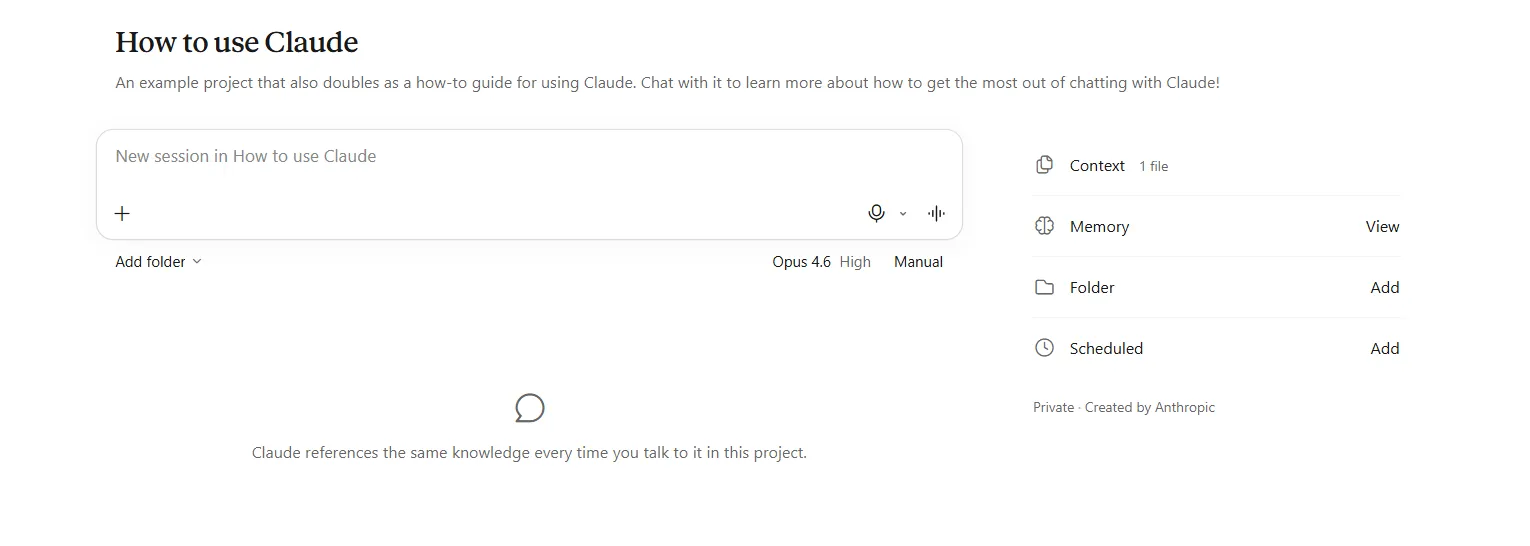
- Keep the careful setting on. Cowork asks before it makes changes. The careful choice is called Manual. Skip the checks only if you completely trust everything involved. Why stay careful? Because reading its plan is your only look at what’s about to happen.
- Keep private things out. Passwords, client details and other people’s information stay out of anything you share. Your data falls under Anthropic’s privacy settings, so read those first. I couldn’t confirm more than that.
One more risk, if you're curious
Web pages and files can hide text that tries to give Claude new orders. Cowork reads both. So don’t point it at pages or files you didn’t write or don’t trust.
Plans and prices
Prices are in dollars as shown, and exclude tax. I couldn’t confirm whether yours differs by country.
| Plan | Price | Chat | Cowork |
|---|---|---|---|
| Free | $0 | Yes | No |
| Pro | $20 a month, or $17 paid yearly | Yes | Yes |
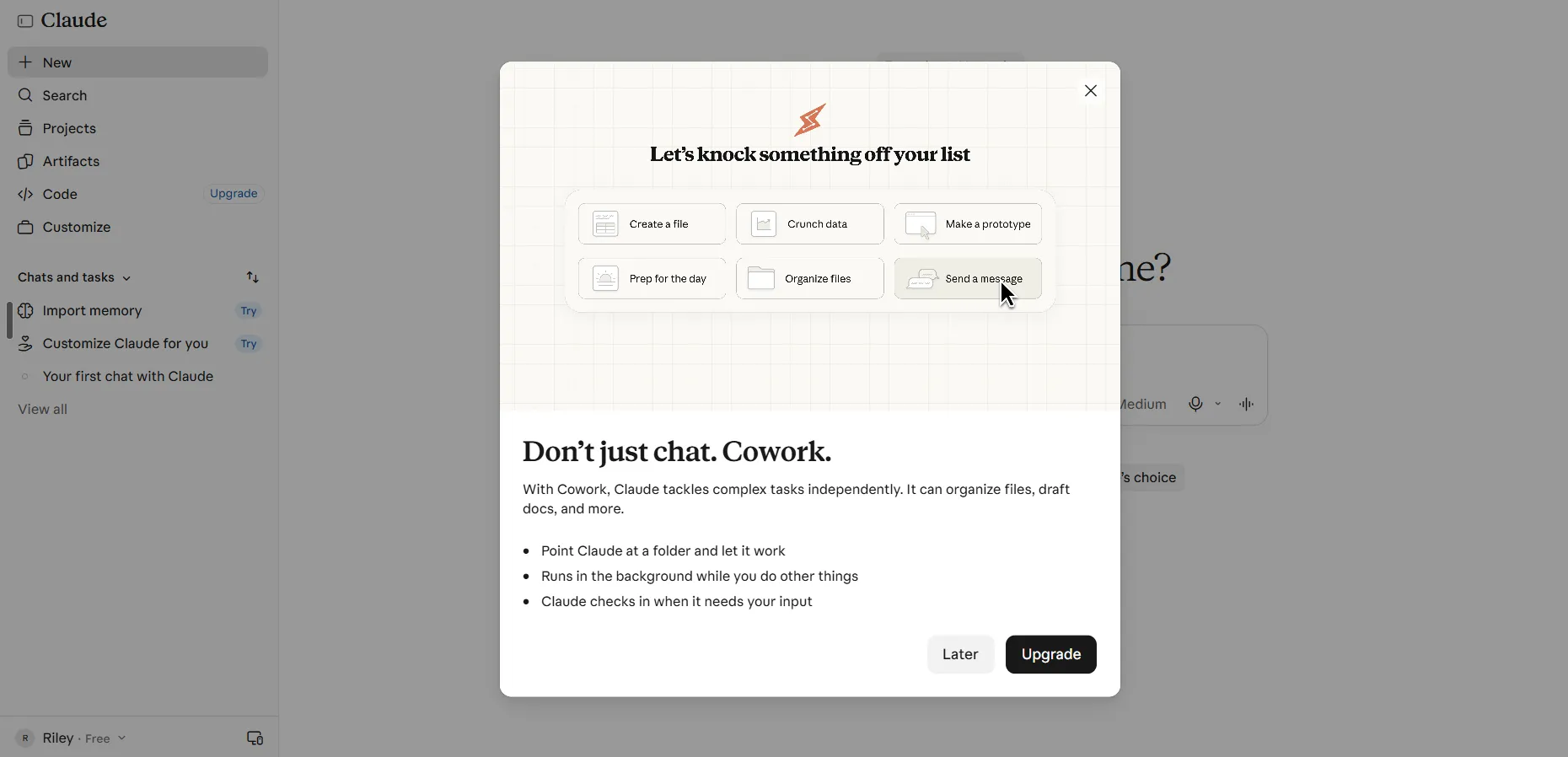
- The cheap way to try it first. Start on Free with Chat. Pro is the lowest plan with Cowork. Monthly costs $20 against $17 a month paid yearly ($200 up front), so decide whether you’d rather pay a little more a month or lock in a year. I couldn’t confirm cancellation or refund terms, so I’m saying nothing about them.
- Bigger plans exist. Max ($100 a month) and Ultra ($200 a month) give you more room to use Claude. Most people starting out don’t need them.
Who should start where
- If you mostly write and plan: stay in Chat. It’s enough, and it’s free.
- If you keep ending up with files to tidy, summarize or fill in: try Cowork on a copy of one small folder. On a joined screen, describe the job and let Claude pick.
- If you’re not sure: start in Chat and notice which jobs make you wish it could open a file. That tells you more than any chart.
Other way: go straight to Cowork if most of your work is already files and spreadsheets and you’re fine paying for Pro from day one.
Still deciding? Read which Claude should I use.
FAQ
Can I use Cowork on the Free plan?
No, it needs a paid plan. See Plans and prices.
Can Cowork hurt my files?
It can change files in any folder you give it, so give it a copy and keep the careful setting on. See Before you give it your files.
I don't see a Cowork button. Is it gone?
Probably joined into one screen, or you’re on Free. Claude picks the right mode for the job, so nothing is lost.
Do I need to know how to code?
No. Chat and Cowork are for everyday work like writing, files and spreadsheets.
Sources
- Anthropic pricing: https://claude.com/pricing
- Get started with Cowork: https://support.claude.com/en/articles/13345190-get-started-with-cowork
- Cowork product page: https://claude.com/product/cowork
- Claude Cowork and Chat are one Claude: https://support.claude.com/en/articles/16761823-claude-cowork-and-chat-are-one-claude
- Use Claude Cowork on web, desktop and mobile: https://support.claude.com/en/articles/15520349-use-claude-cowork-on-web-desktop-and-mobile
- Claude Code product page: https://claude.com/product/claude-code